

You know your online store has solid products, but are your Google Shopping ads fully optimized? When you master smart Google Shopping ads strategies, you can attract more engaged clicks, tighten your budget, and multiply sales. Here is how you can refine each element of your campaigns, from getting your product feed right to using Performance Max features and strategic remarketing. Approach them step by step, and you will see why Google Shopping remains a leading driver of ecommerce success in the USA.
Optimize your product feed
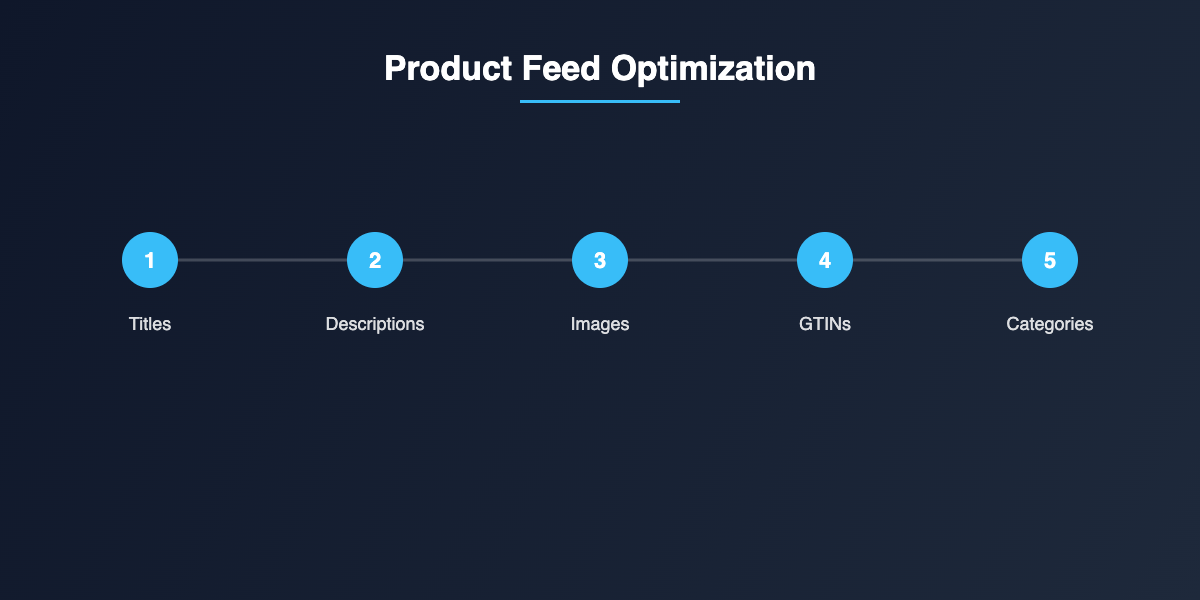
Your product feed is the foundation of your Google Shopping ads. If product details and attributes fail to match what buyers are searching for, your ads will show up less frequently and rank lower than you would like.
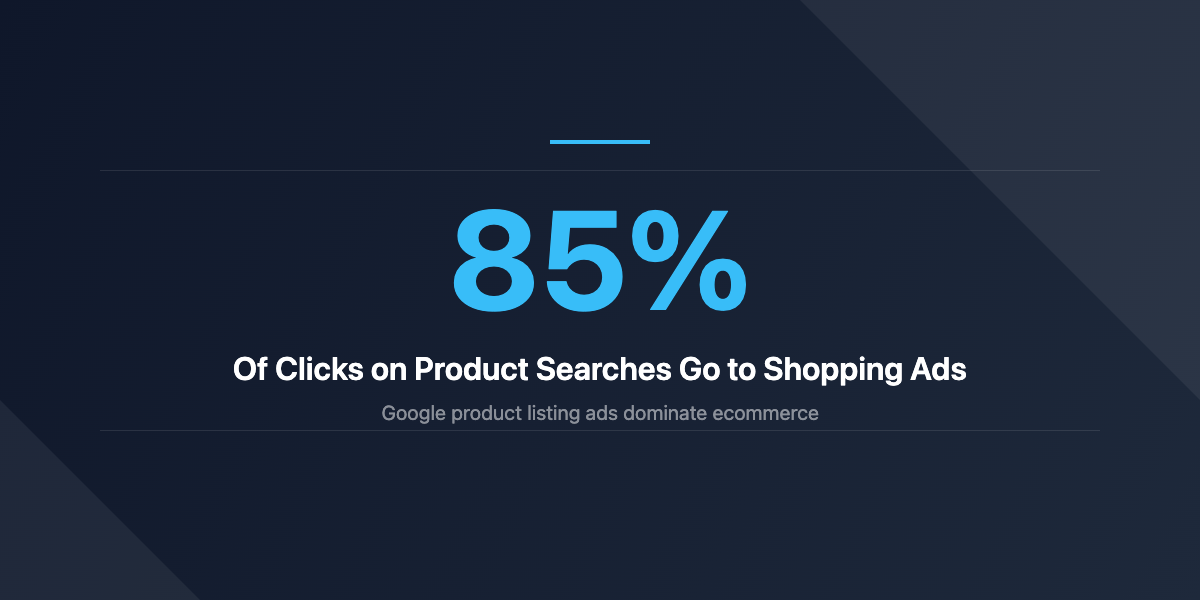
In many ways, your feed acts like a digital shelf label. Double-check that all product attributes are accurate, up to date, and consistent with your site. If you sell apparel, for instance, confirm that sizes, color options, and style variations are spelled out. Make sure your product titles contain important keywords shoppers might use. Avoid keyword stuffing. Instead, include specifics that help Google’s algorithm match your listings with relevant searches.
When crafting product descriptions, think about what you would want to know if you were the customer. Are certain materials, measurements, or shipping details crucial? This is your chance to highlight them. The more specific you are, the better your listing can stand out in a crowded marketplace.
One helpful habit is regularly auditing your product images. Crisp images, shot against a clean background, make a difference in your click-through rate. You can even test different angles or close-ups, as long as they remain consistent with Google’s guidelines. Over time, these small optimizations to your feed can multiply your return on ad spend.
Use Performance Max campaigns
Performance Max campaigns provide a way to consolidate your ads across Google’s channels. They automatically blend your Shopping ads with other placements such as YouTube, Gmail, and Search. By testing various creative assets, Google’s algorithm finds where your products perform best and sends traffic to the most effective placements.
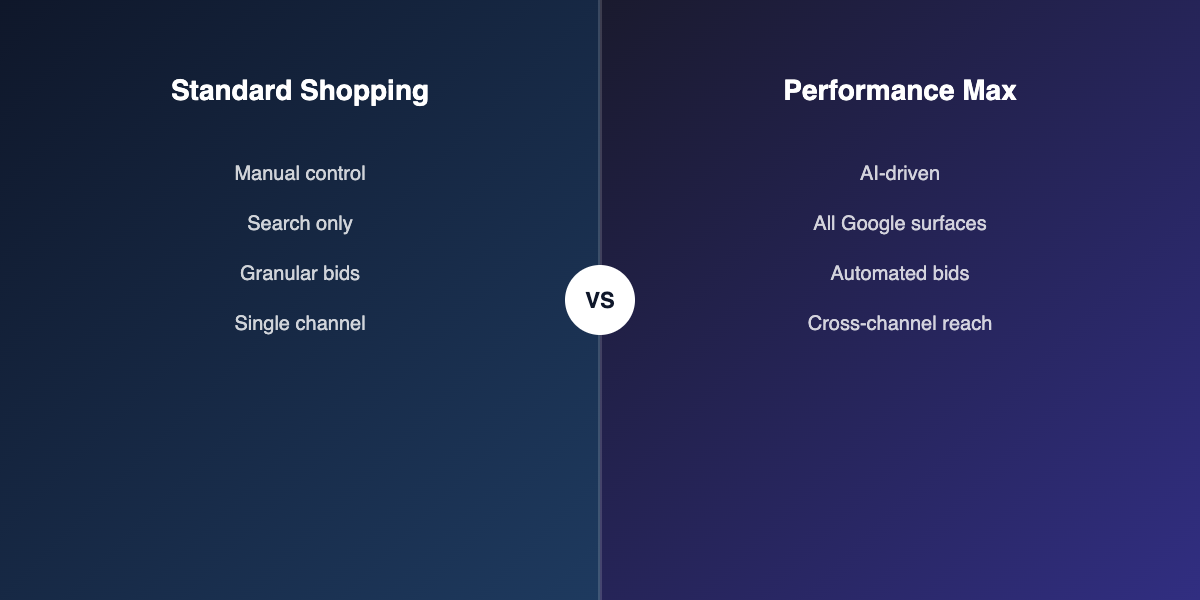
A major advantage is the streamlined approach. You can set a single budget and let the system generate highly relevant ads. That said, you still want to feed Performance Max with strong, relevant creative. Provide clear image assets, short but compelling headlines, and calls to action that resonate with your audience.
A few tips to keep in mind:
- Clarify your conversion goals. Specify whether you want to maximize orders, revenue, or a particular action, like sign-ups.
- Segment by product group. If you sell a wide product range, split them into logical categories. This helps Google show the right ads to the right shopper.
- Track performance carefully. Adjust your budget and creative assets whenever you see an opportunity. Linking your campaigns to your tracking tools is essential so you can see which products convert best.
If you need an extra boost in your ecommerce efforts, you can explore google ads ecommerce strategies for more ways to combine Shopping ads with other proven techniques. By mixing new ideas with your existing campaigns, you will keep your performance resilient over time.
Refine your bidding strategies
Whether you want to drive maximum clicks or prioritize cost efficiency, your bidding strategies determine how far your budget can stretch. You have multiple bidding methods at your disposal, from manual CPC (cost per click) to automated solutions like Target ROAS (return on ad spend).
Start by establishing clear performance targets. If you are introducing a new product line, maybe you want visibility more than immediate profit. In that scenario, Enhanced CPC or Maximize Clicks can make sense. But if you are more established and want to focus on margin, consider using Target ROAS or Target CPA (cost per acquisition) to keep spending aligned with your profit goals.
Whenever possible, let your data guide you. If you have had conversions slowly trickling in, it might be wise to let an automated strategy like Target ROAS optimize your bids behind the scenes. However, if your store is new or data is limited, you may want to stay with a manual approach until you have enough conversion metrics to feed an automated system.
Try to watch your performance daily or weekly, depending on your budget size. Common adjustments include:
- Lower your bids on products with high cost but low conversions
- Increase your bids on your winning products to capture more high-value clicks
- Reassess your budget distribution if certain categories or best sellers need extra support
If you feel stuck or want to dive deeper, check out how to optimize google ads for ecommerce. Fine-tuned bidding means you can put your dollars behind the products most likely to deliver strong returns.
Enhance conversion tracking and data
Without effective conversion tracking, you can only guess which ads are working. You lose valuable insight that could inform your next decisions on budget, keywords, or bidding. Conversion tracking links your ads to your store’s checkout action, so you know exactly how many sales came from a specific campaign.
Start by setting up a Google Ads tag on your site. Confirm the tag is firing correctly and capturing conversion events, whether that is a completed purchase, sign-up, or form fill. If you need a walkthrough, consider google ads conversion tracking ecommerce. Having accurate data is non-negotiable if you want to see which ads are truly profitable.
Conversion tracking also helps you spot and fix issues in your funnel. Maybe you see plenty of clicks but only a trickle of orders. That could signal a mismatch between ad messaging and landing pages. Or perhaps certain product categories convert easily while others rarely lead to a finalized cart. By digging into these metrics, you can plan your next move confidently.
When you combine your tracking data with Google Analytics or other analytics tools, you gain clarity into how users browse, what pages they visit, and which channels they came from. These insights drive better decisions on adjusting bids, reworking product pages, or testing new ad creatives.
Expand your remarketing reach
Remarketing puts your brand back in front of people who have already interacted with your store. Thanks to Google’s Display Network, you can show your Shopping ads to potential buyers who visited your site but did not complete their purchase. It is one of the most cost-effective ways to close the loop on shoppers who nearly checked out but changed their minds.
Setting up remarketing is straightforward. You place a simple tag on your pages that collects visitor data. From there, Google can display relevant ads showcasing products each visitor viewed. Tailor your ads to highlight the exact items or categories they browsed. This level of personalization often gets people to reconsider their abandoned carts.
One common approach is to create a time-based approach for remarketing:
- Days 1-3: Show the product they viewed with a special incentive, like a free shipping code
- Days 4-7: Broaden the ad to feature related items or your most popular category
- Days 8+: Shift to a brand-building reminder, letting them know you have new arrivals or seasonal sales
You can also extend remarketing lists to cross-sell and upsell. For example, if someone recently purchased a phone case, you can present them with special deals on phone accessories. The goal is to stay top of mind without becoming spammy.
If you want more inspiration on targeting users effectively, see how other US retailers launch successful google shopping campaigns usa. It helps to study examples of businesses that turned casual browsers into loyal buyers through well-planned remarketing.
Review and iterate often
Google Shopping ads do not succeed in a vacuum. To thrive, you have to interpret your data and adjust. This cycle of refinement ensures your campaigns keep pace with evolving customer trends, seasonality, and changes in your product line.
Try a weekly or fortnightly check-in. During that time, look at metrics like cost, conversions, and return on ad spend. Sort your products by performance, then focus on the top 20 % that bring in the bulk of your revenue. Ask yourself whether you can push them further with higher bids, fresh creative assets, or better feed data.
For underperforming products, examine possible issues. Is the ad text incomplete? Are your item titles too generic to match relevant search terms? Does the product have limited appeal compared to your main offerings? It may be time to discontinue that item, reduce the bid, or refresh the product listing.
Below are some common pitfalls to watch for. If you see them, act promptly:
- Inaccurate or outdated feed data
- Poor-quality images that slow clicks
- Low budget that gets depleted too quickly
- Conversion tracking errors hiding real results
You can tackle these issues one by one. A consistent review process goes a long way toward making data-driven decisions. Over time, even a small uptick in conversion rate can have a sizeable impact on your store’s growth.
Want to complement your Shopping ads with other channels? Learn about the ROI of connected TV advertising for building brand awareness that drives more branded searches back to your store.
Final thoughts
Sharp Google Shopping ads strategies give you a competitive advantage as you showcase your products to motivated online buyers. By optimizing your product feed, leveraging Performance Max campaigns, refining your bidding, and perfecting your conversion tracking, you have the key elements for success. Combine these efforts with remarketing to bring back potential customers who need a gentle reminder to complete their purchase.
The journey does not end there. Keep studying your data, notice emerging shopper behaviors, and adjust your ads and feed accordingly. Your store is dynamic, and so are Google’s algorithms. By iterating regularly and monitoring each campaign, you will sharpen your ads, conserve your budget, and drive more profitable sales. Above all, approach each tweak with the confidence that your well-structured Shopping ads can help you stand out in the busy digital marketplace.